
Log in.
Film out.
A Fine Print is film emulation in a single node. Pick your camera, pick a film stock, and your footage comes back with real film colour, halation, grain and skin that looks like skin.
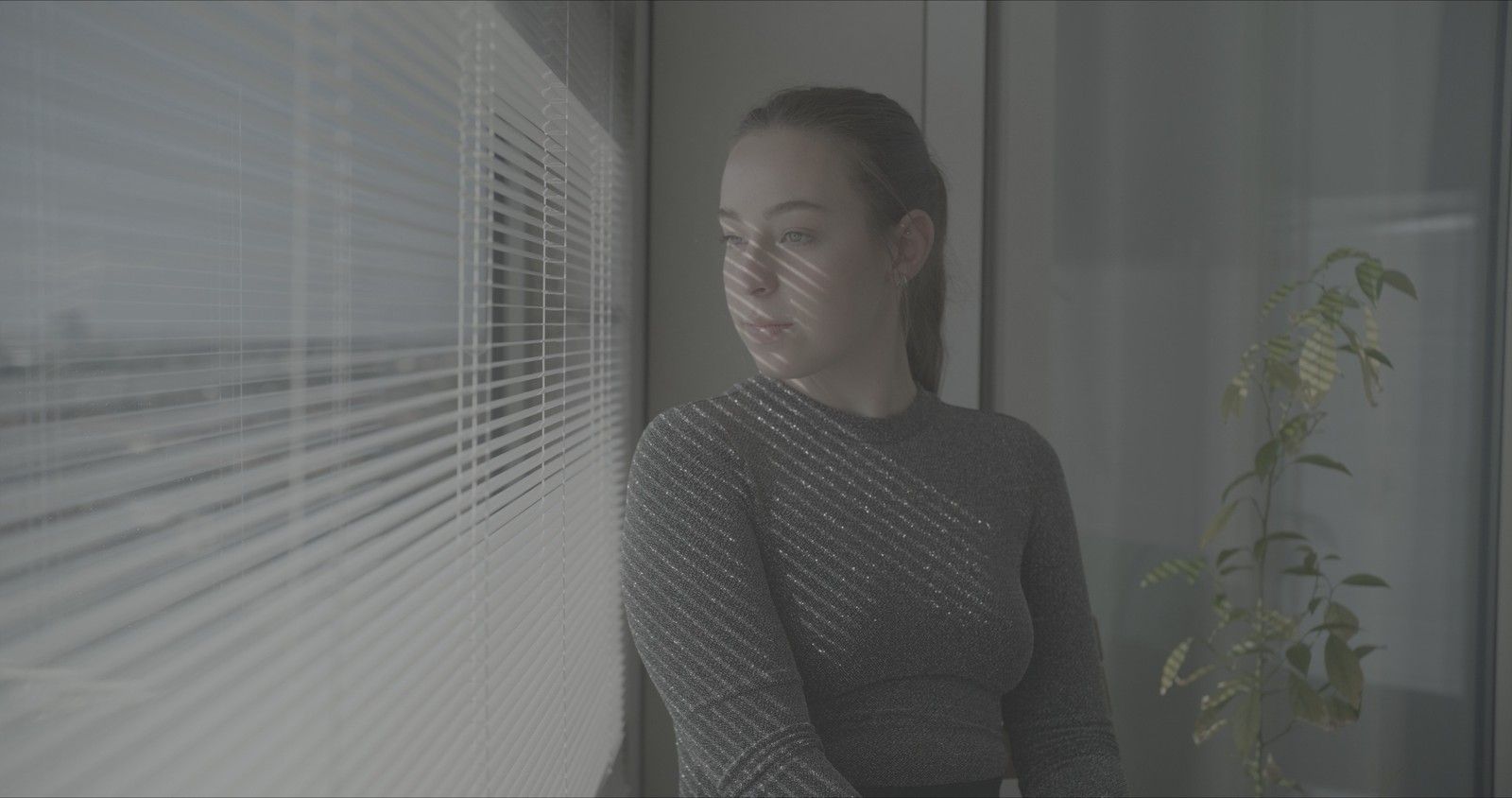
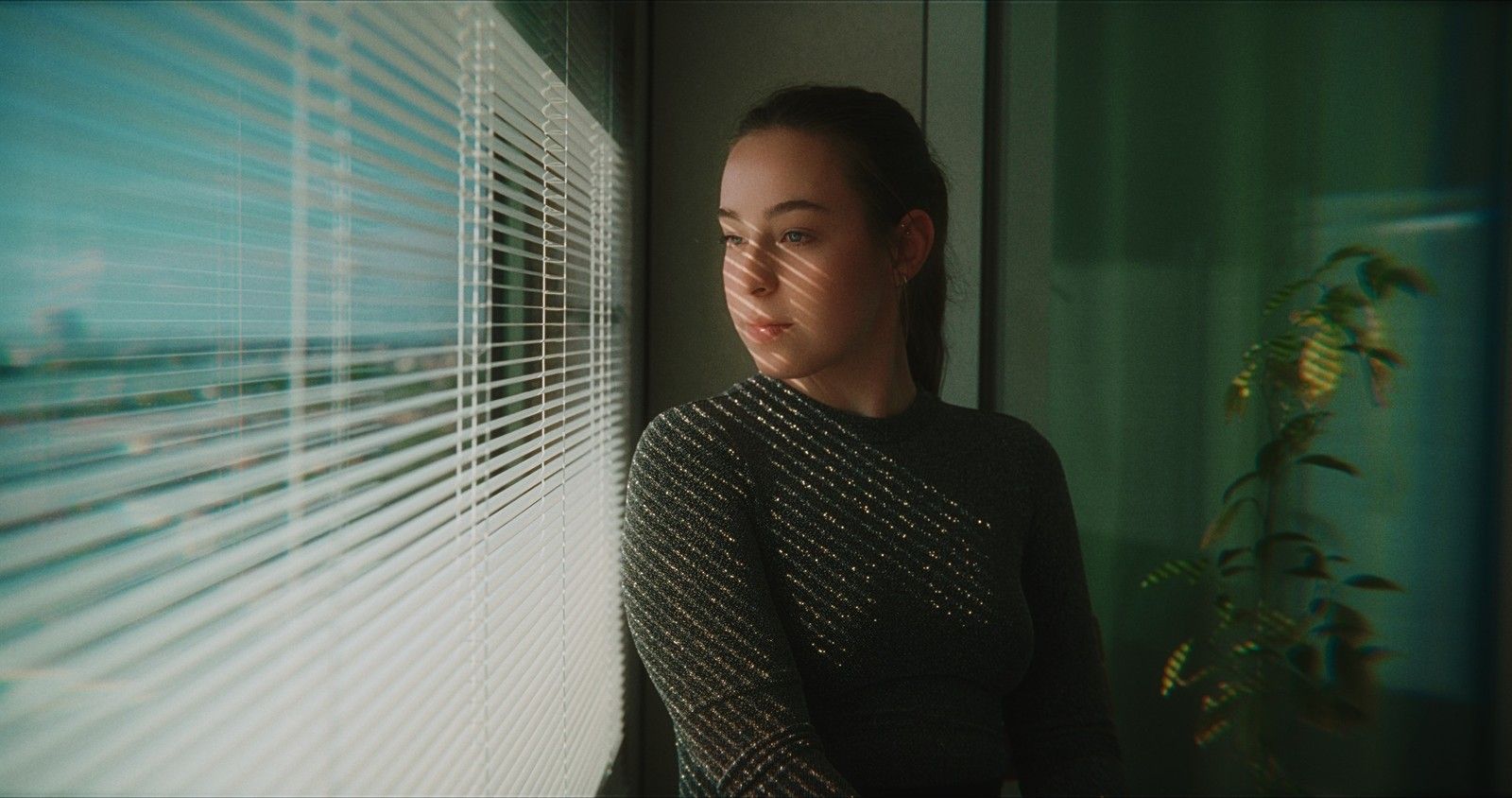 LogA Fine Print
Real footage. One node.
Every "after" below is the log clip run through A Fine Print and nothing else. Pick a shot and drag.
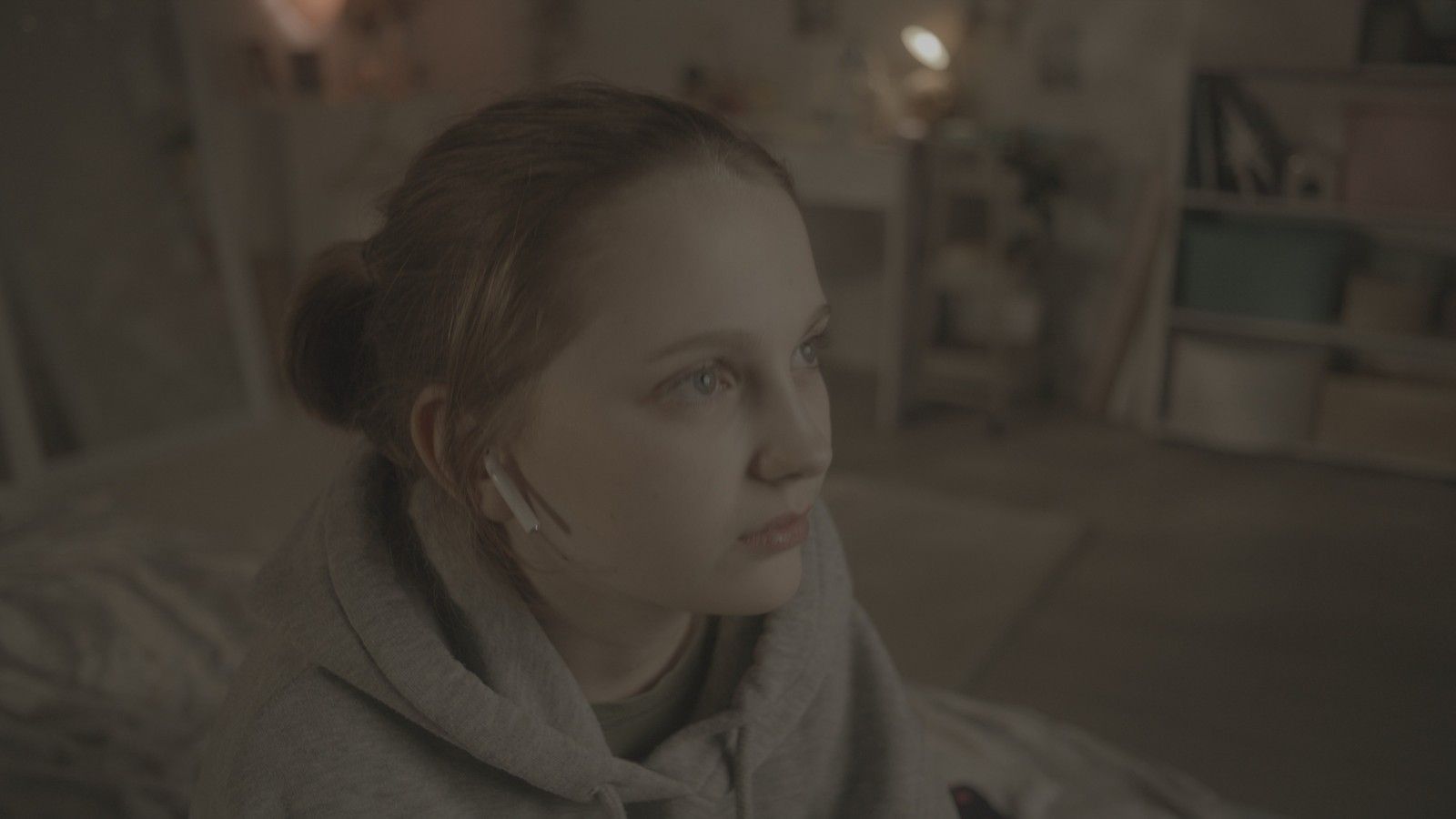
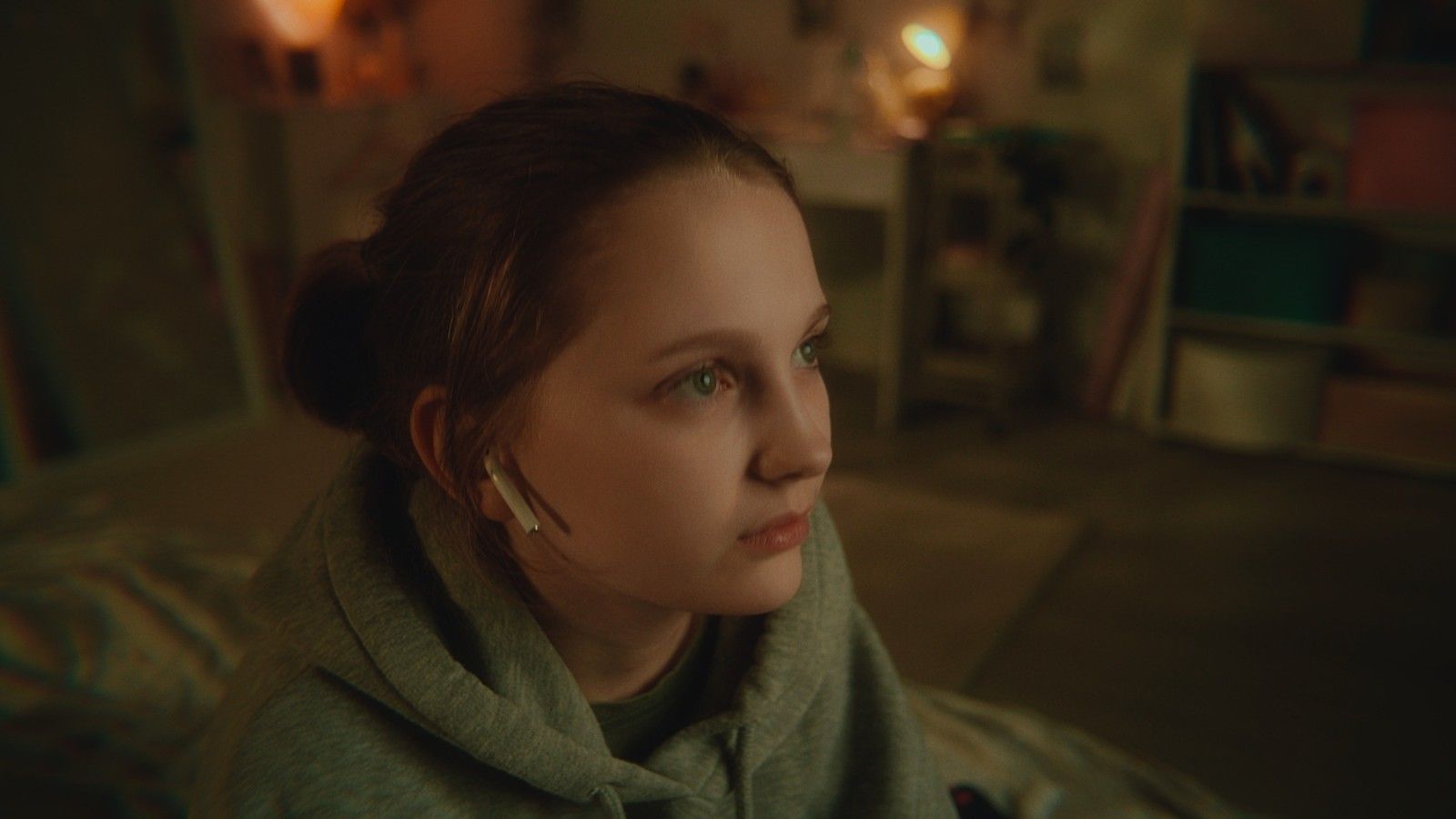 Before · LogAfter · A Fine Print
The whole film chain, in order.
A Fine Print works the way film does: light hits the negative, the negative is printed, the print is projected. Each stage is a panel you can open, adjust or switch off.
Camera
Decode your log, then set exposure, temperature and tint.
Negative
Choose gauge and stock, from 8mm to 65mm.
Colour
Looks, Lab contrast, split tone and HSL.
Print stock, style and printer lights.
Skin
Check, correct and retouch faces.
Optics
Halation, bloom, ProMist and lens.
Texture
Grain, gate weave, flicker and dust.
Everything a film look needs.
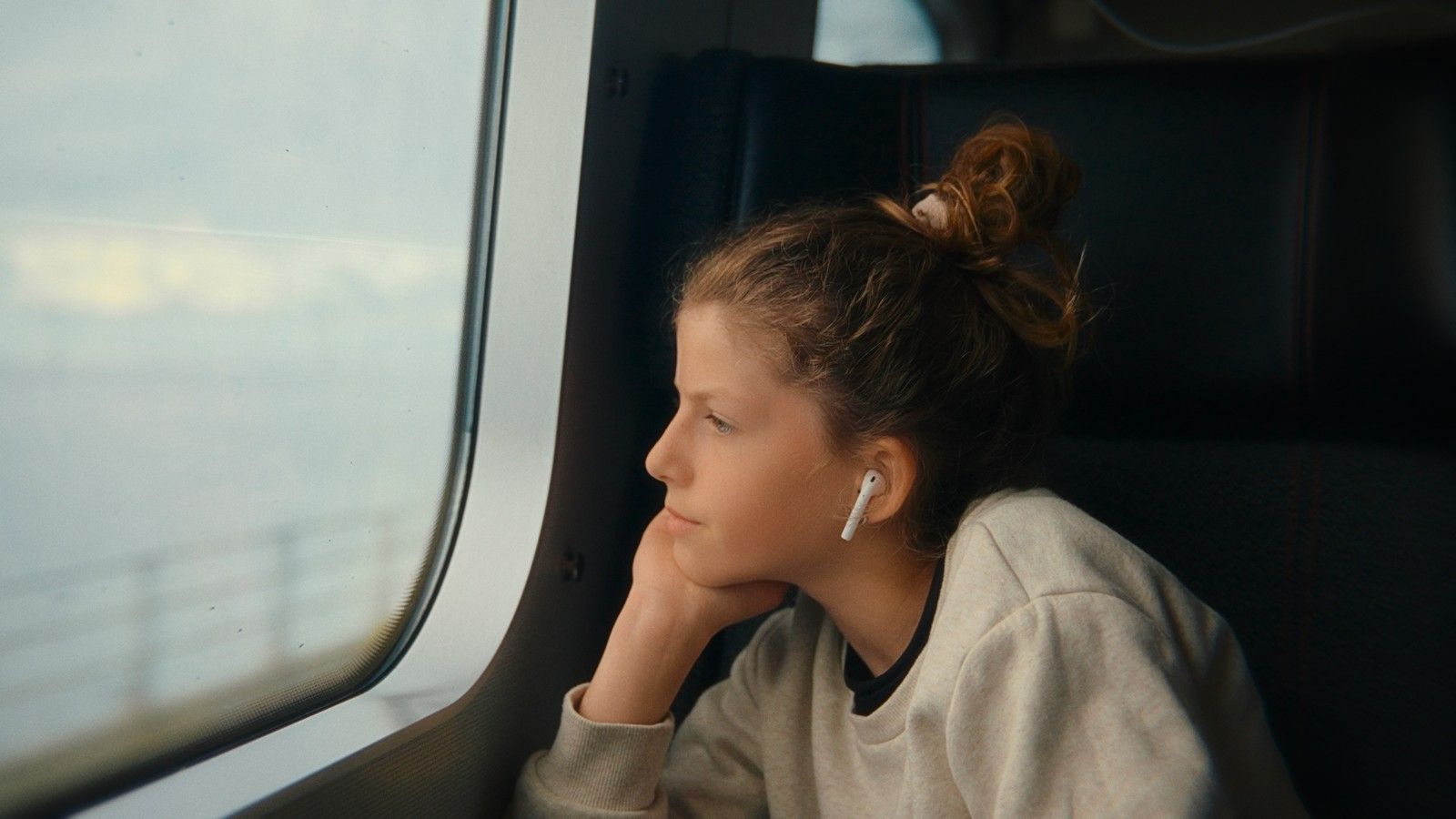
Start from your log. End on film.
Set Source to your camera and A Fine Print decodes it accurately before the film sees it. Then load a negative and print it, exactly as a lab would.
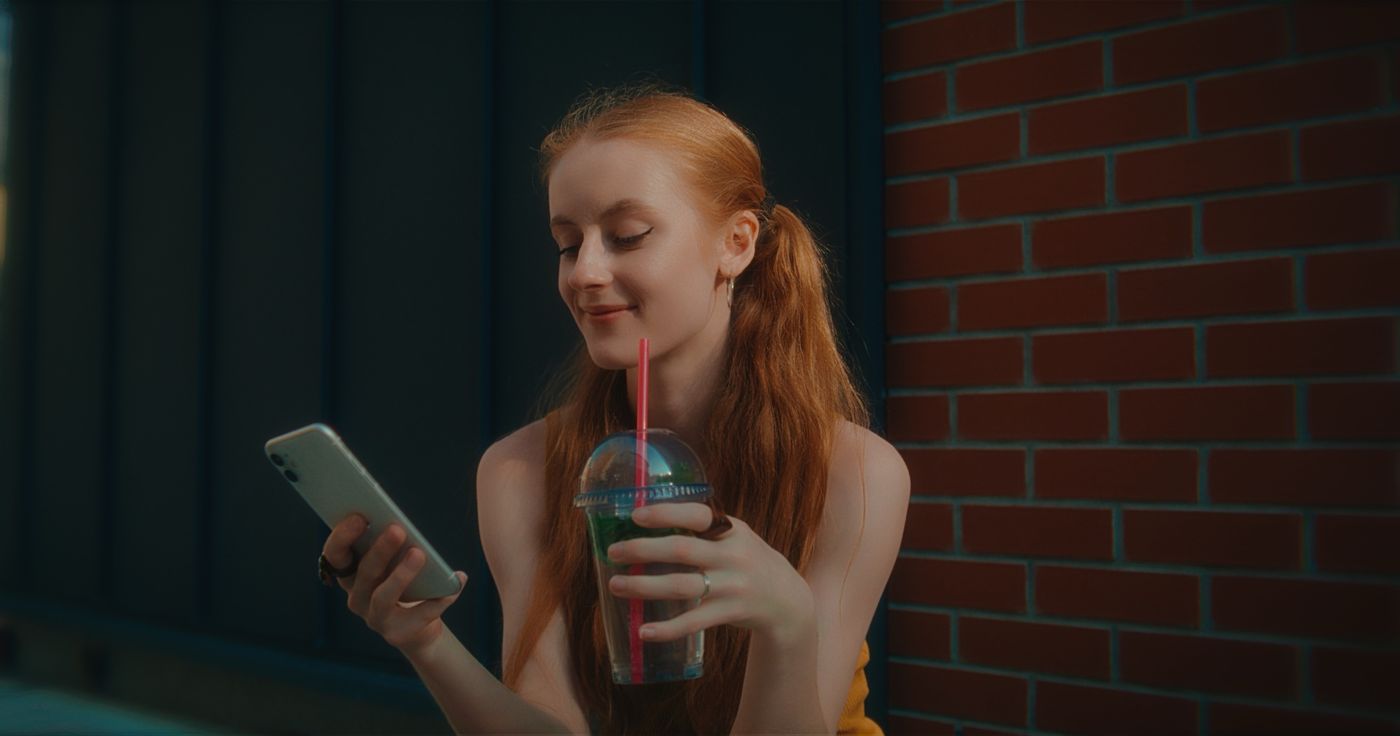
Push the colour. It stays filmic.
Every colour control lives inside the film model, so saturation, contrast and hue shifts never tip into a plastic, digital look.
9 Creative Looks · Lab Contrast · Shadow / Highlights · Split Tone · HSL across 8 colours · Printer Lights
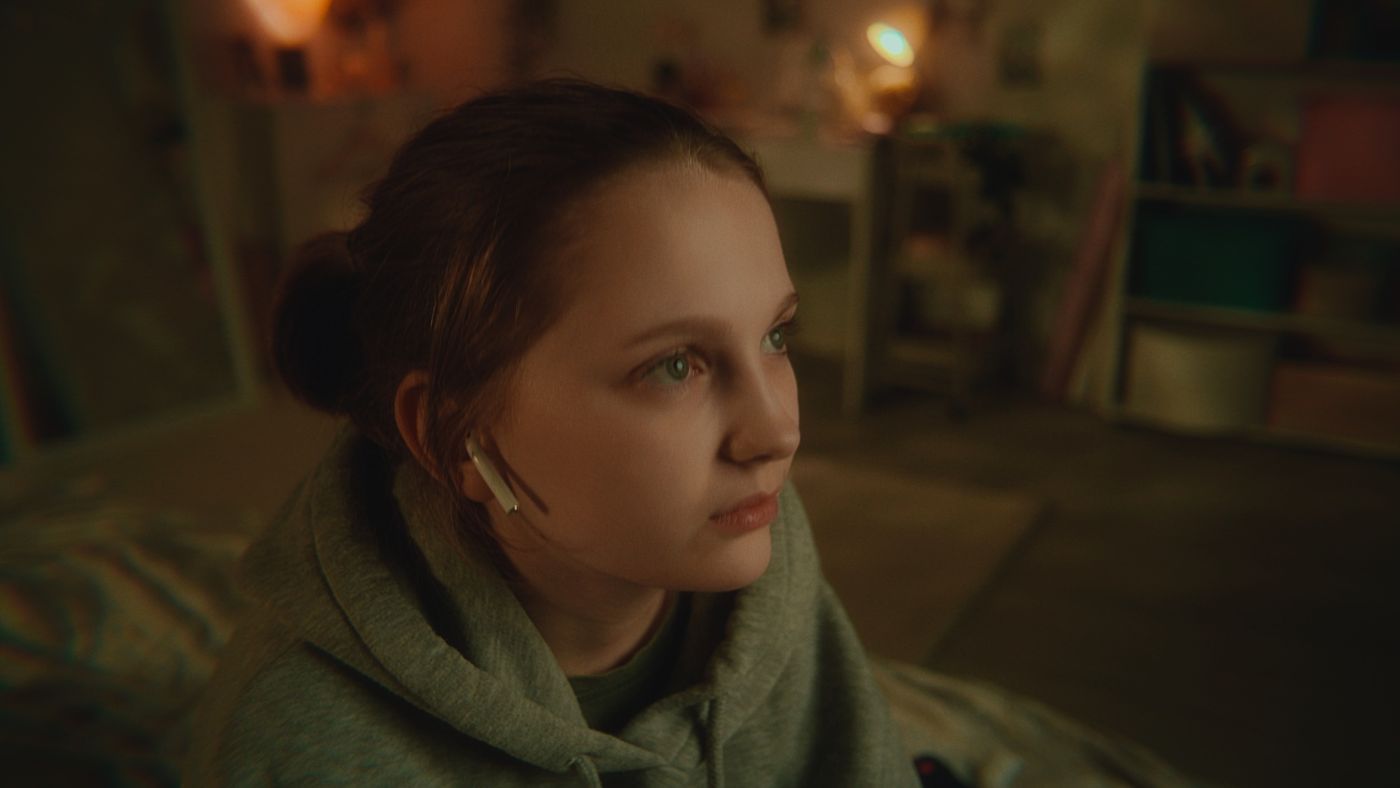
Glass, light and glow.
The red halo film gets around bright lamps, soft bloom, a ProMist-style sheen, and lens character from chromatic aberration to vintage edge softness.
Halation · Bloom (8mm–70mm profiles) · ProMist · Acutance sharpness · Chromatic aberration · Edge softness · Vignette

The texture of real film.
Film-structured grain that follows your gauge, balanced across shadows, mids and highlights. Add gate weave, flicker and dust for vintage work, and clean sensor noise first so you see grain, not noise.
Film Grain · Gate Weave · Flicker · Dust · Noise Reduction with skin protection
Four ways to perfect skin.
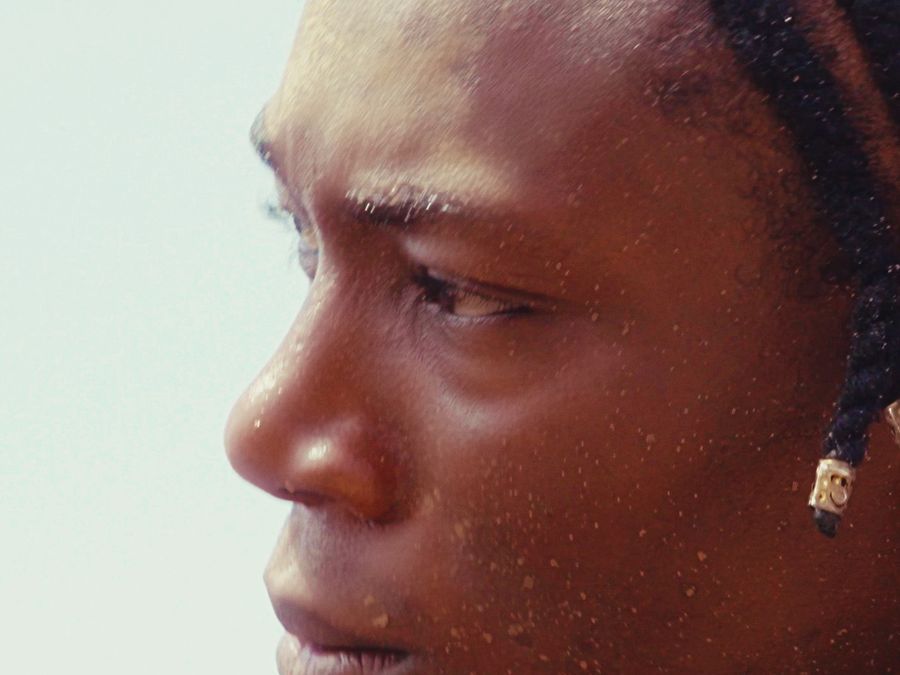
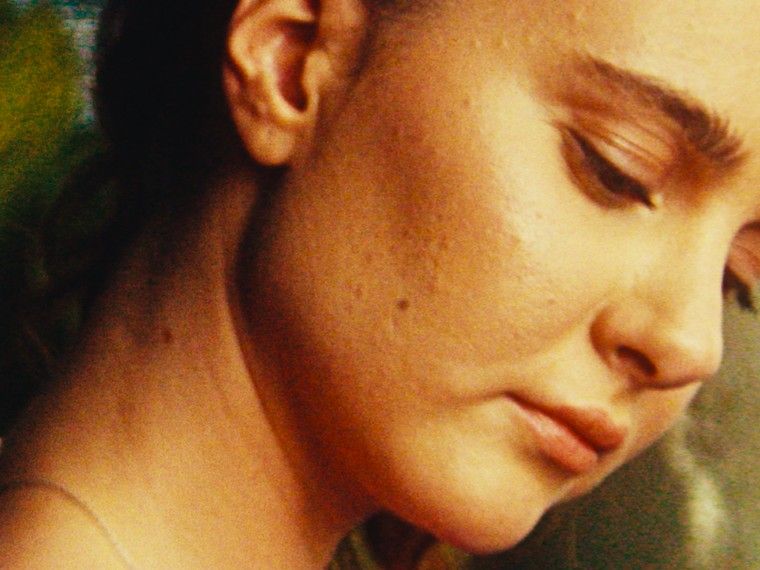
Skin Refinement is a full retouch panel. Each tool has its own skin selection and a Show Selection view, so hair, eyes and backgrounds stay untouched. Drag each one.

 BeforeSmooth
Skin Smooth
Softens texture and keeps the pores. Gentle, fast, and on by default.
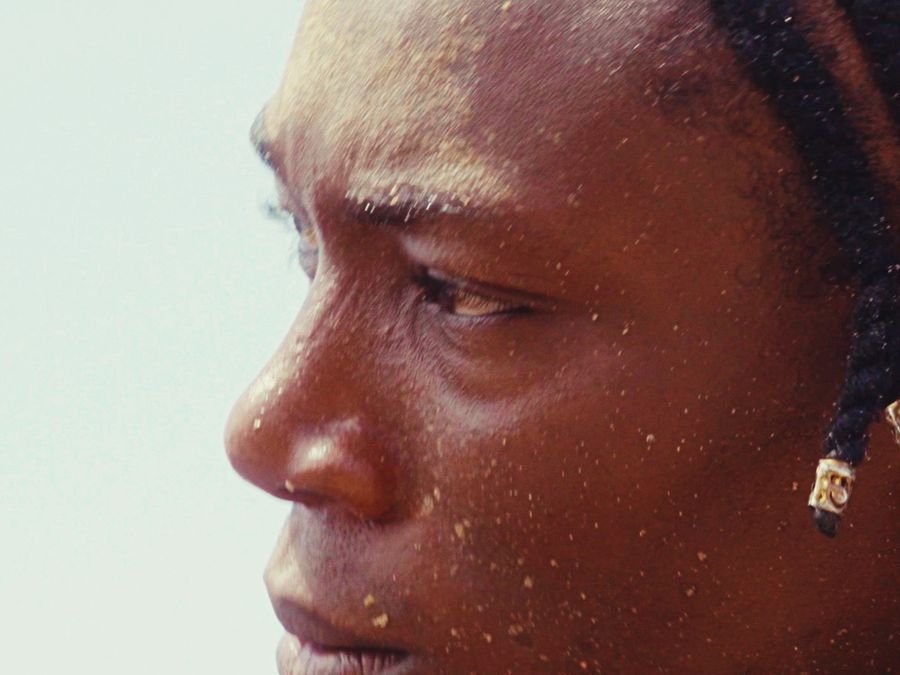
 BeforeUltra
Skin Smooth Ultra
A beauty-style, edge-preserving retouch with a full hue, saturation and luma qualifier that stays off hair and beards.
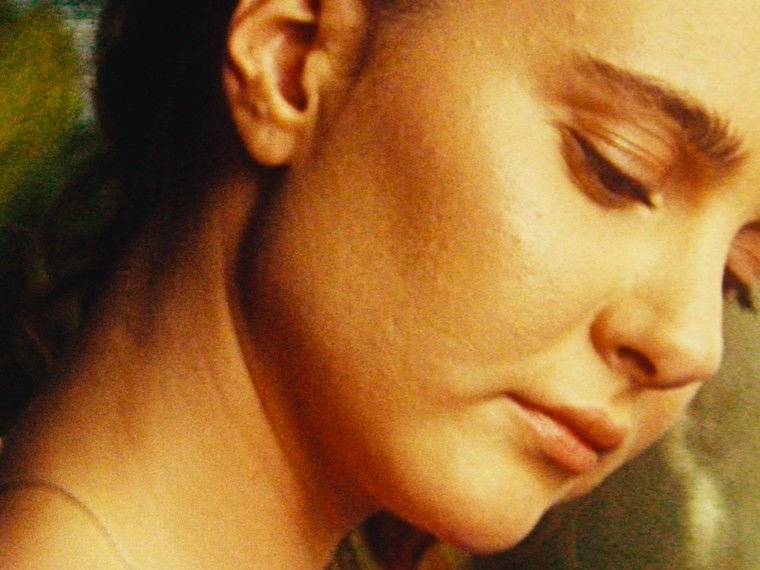 BeforeHeal
Skin Heal
Removes spots and blemishes automatically, with Close-up and Wide Shot modes for any framing.
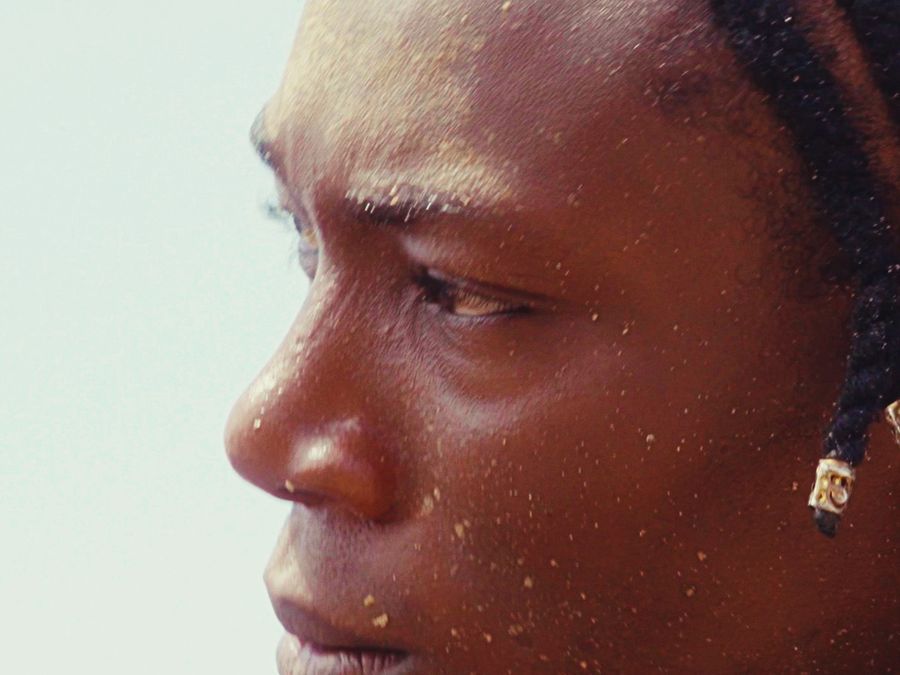 BeforeDodge & Burn
Skin Dodge & Burn
Evens out patchy light and blotches, the digital version of a retoucher's dodge-and-burn pass.
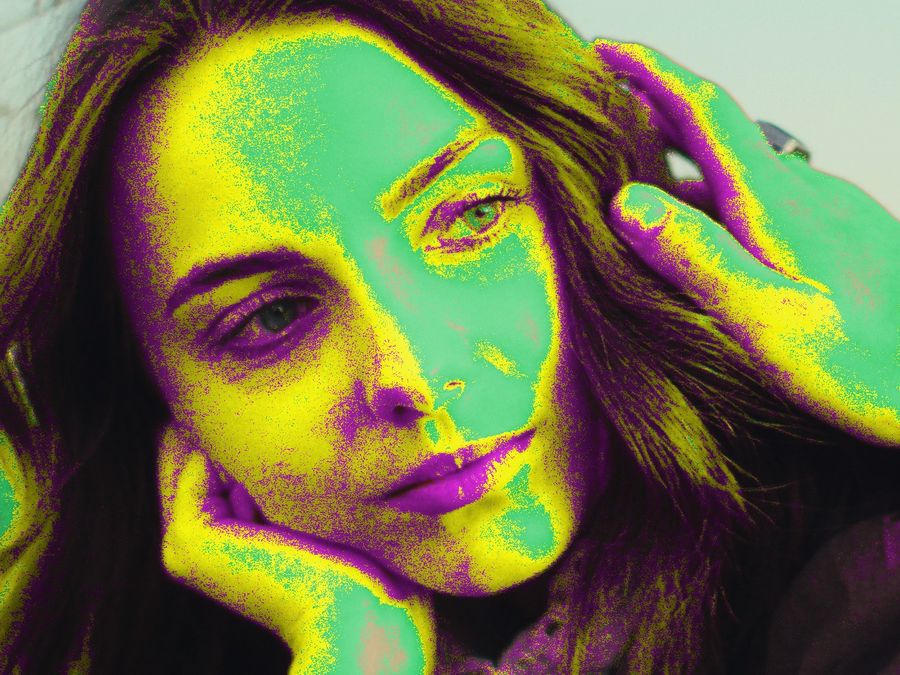
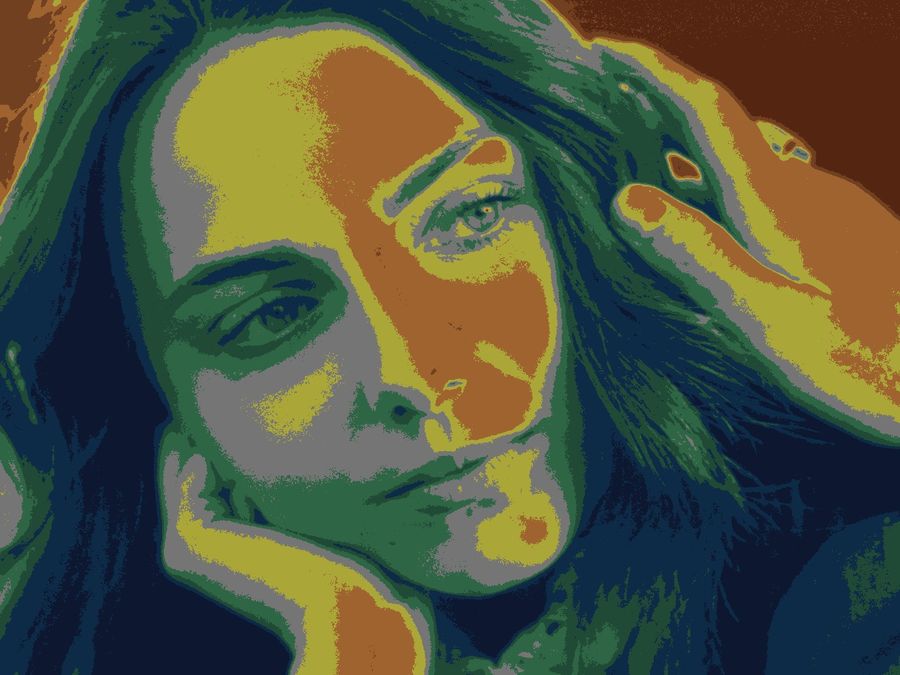
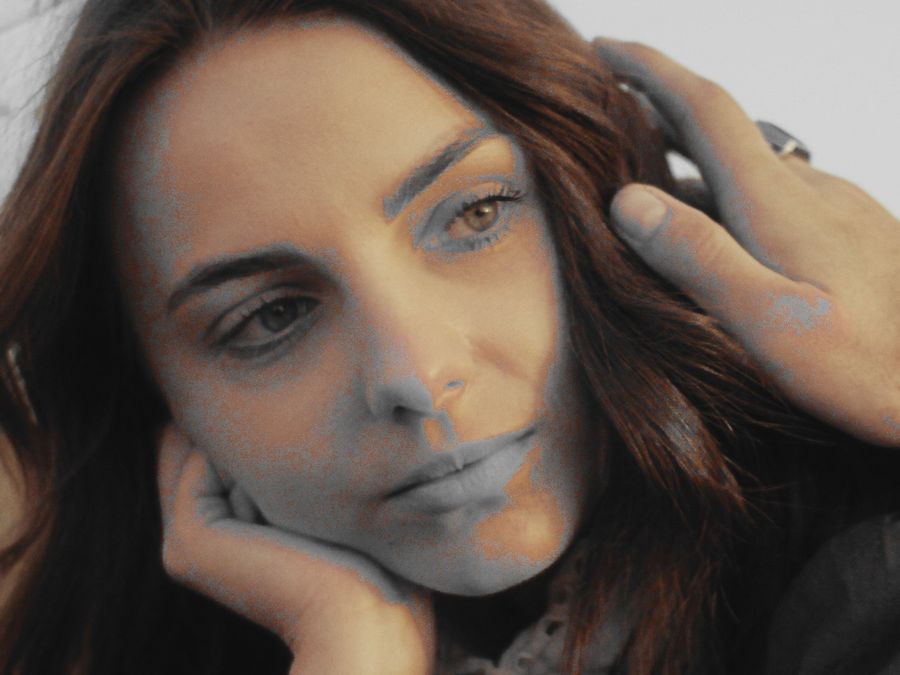
Plus Skin Checker overlays, Skin colour controls and a Skin Compressor that pulls blotchy, mixed-light faces back to one healthy tone.
Thirty seconds, every feature.
Camera, film, colour, skin, light and texture, cut on the beat. Tap for sound.
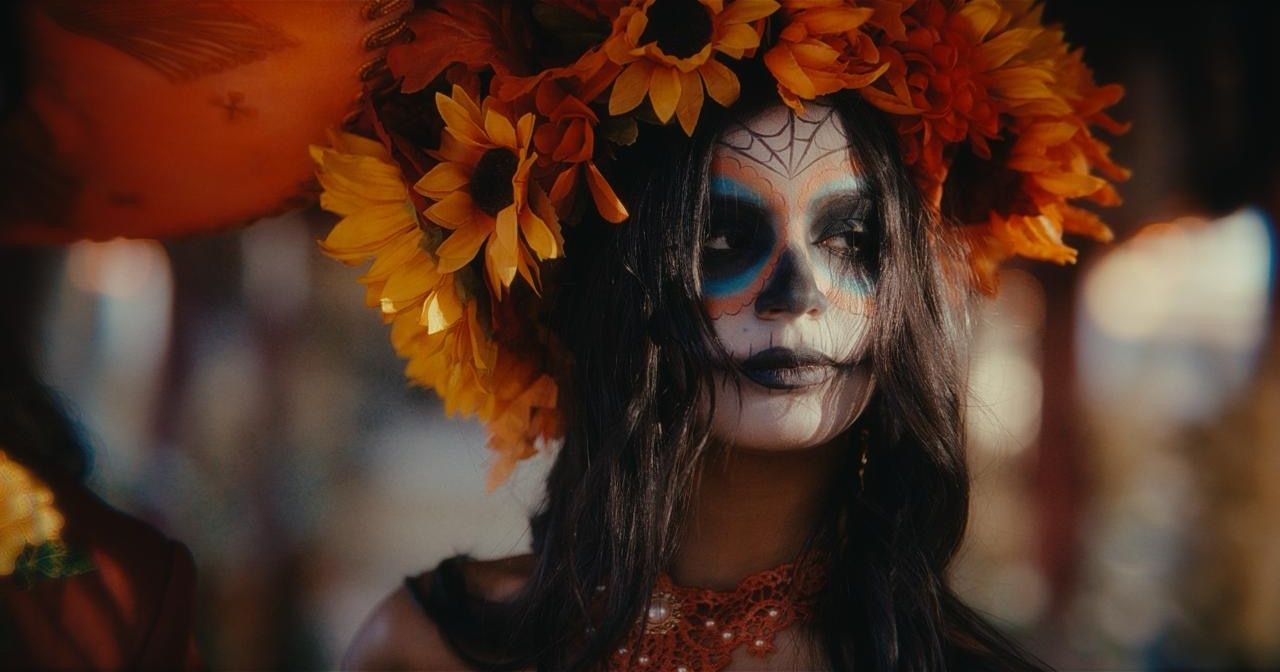
Ordinary days, graded.
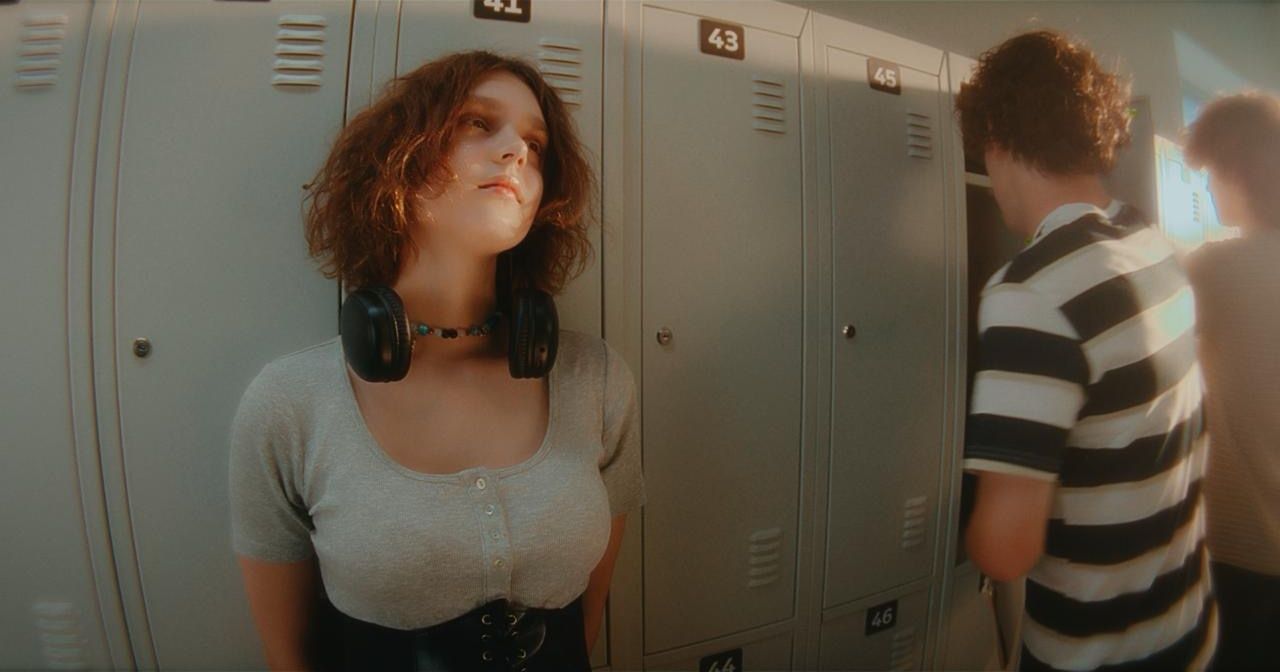

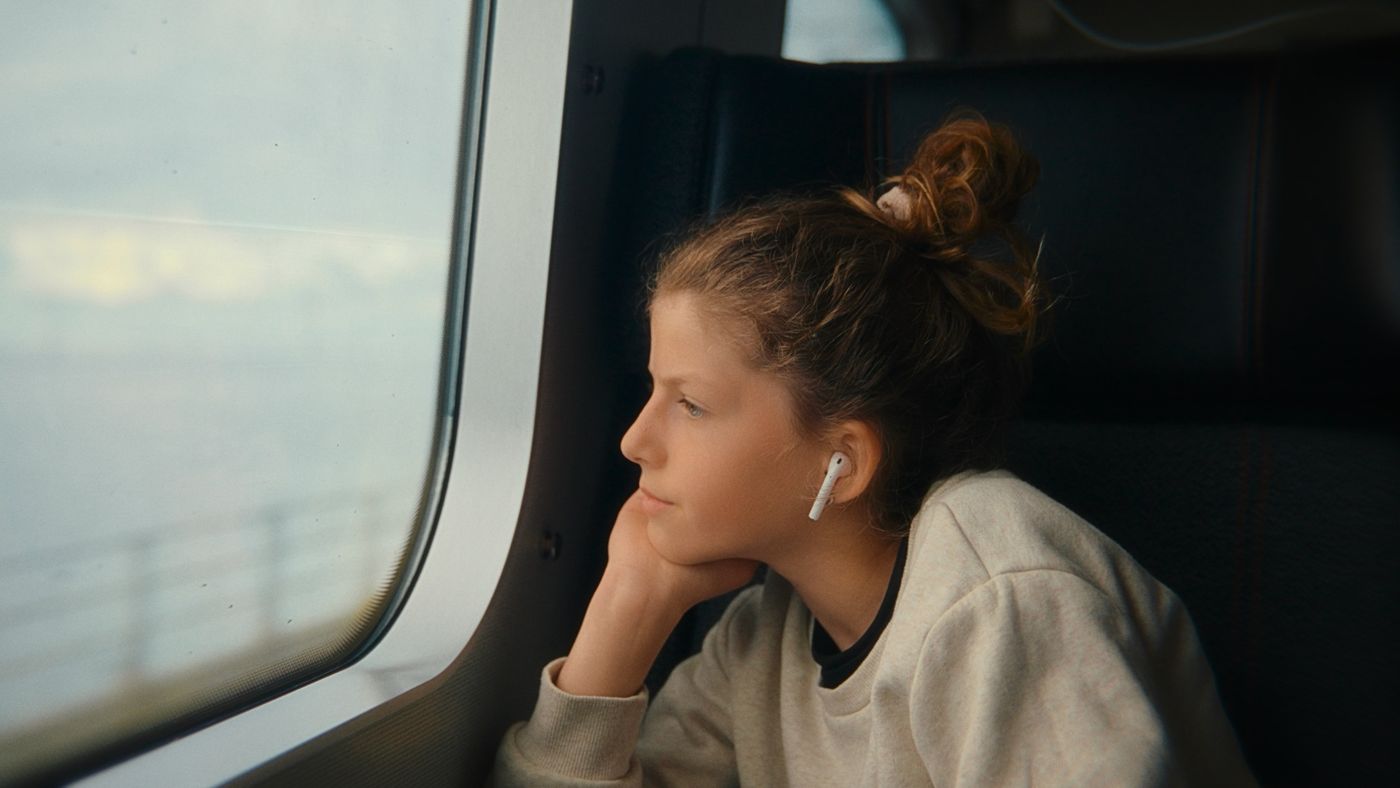
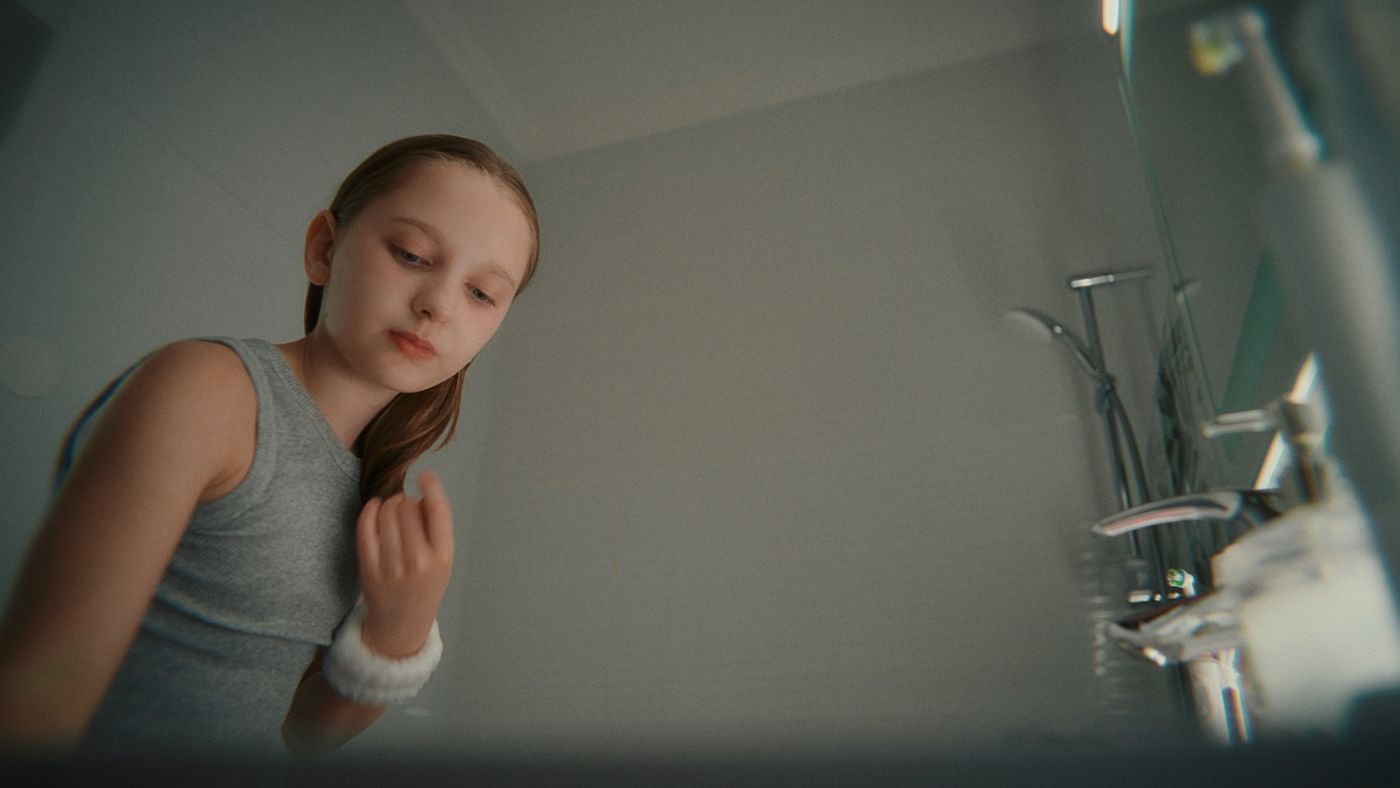
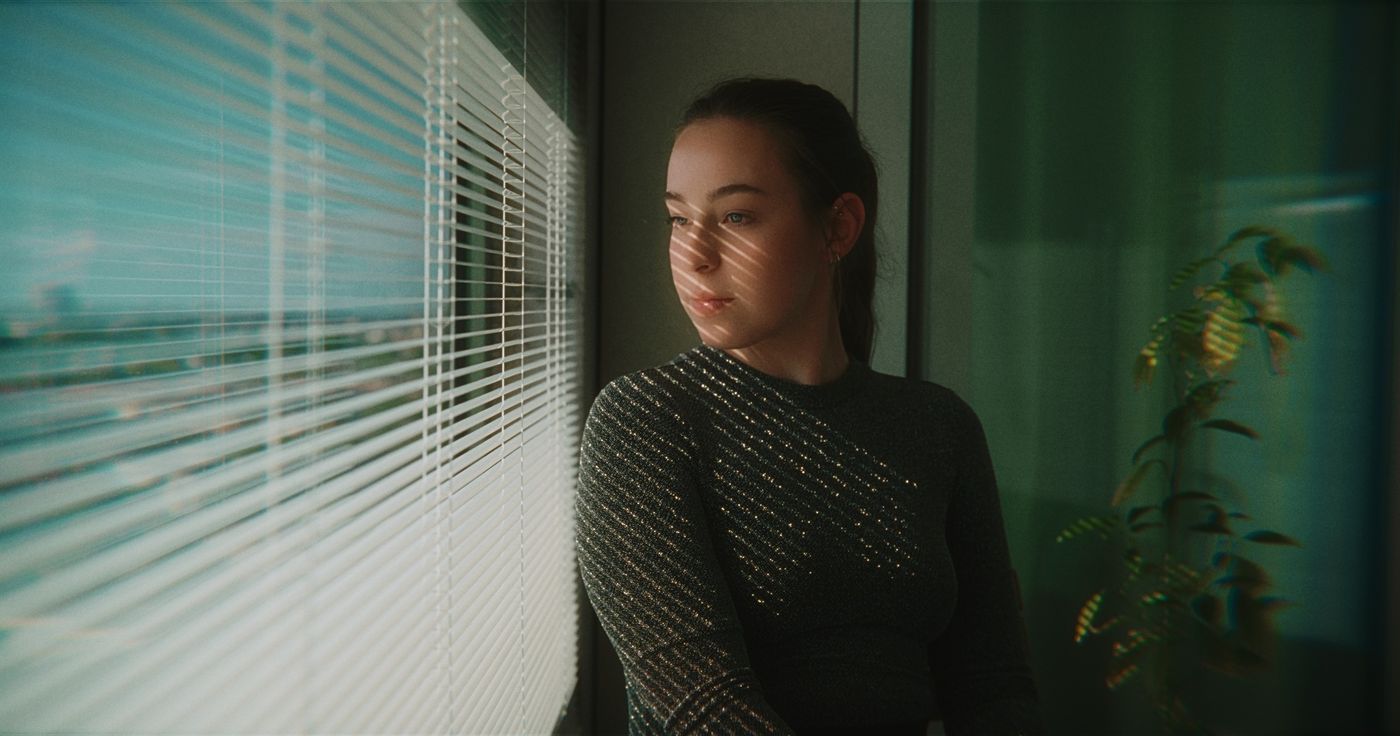
Download A Fine Print.
One installer per system adds the plugin to DaVinci Resolve, Premiere Pro, After Effects and Final Cut Pro. Install it, then message us your Machine ID for a free 3-day trial key.
Start free. Keep the look.
Install
Download and run the installer for Mac or Windows. It adds A Fine Print to Resolve, Premiere Pro, After Effects and Final Cut Pro.
Send your Machine ID
Open Licence… in the effect and send us the Machine ID it shows.
Activate
Paste the key we send into Product Key and press Activate. One licence covers one computer.
Questions
Which editing apps does it work in?
DaVinci Resolve (as an OFX plugin), Adobe Premiere Pro and After Effects on Mac and Windows, and Final Cut Pro on Mac.
Will it work with my camera?
Very likely. There are 37 Source options, including Sony S-Log3, Arri LogC3 and LogC4, Canon Log 2 and 3, Panasonic V-Log, RED Log3G10, Fuji F-Log and F-Log2, Nikon N-Log, Leica L-Log, DJI D-Log, Apple Log, BMDFilm, GoPro, Insta360, Samsung Log, DaVinci Wide Gamut, ACES and Rec.709.
Will it run on my laptop?
Yes. Set Performance to Low or Quarter while you edit for smooth playback, then switch back to High for export. It is tuned to run smoothly on a 16 GB M1 MacBook Pro.
I already have a grade. Can I just add the film texture?
Yes. Switch Mode to "Grain and Halation Only" to keep your own colour and add only grain and halation on top.
How many computers can I use it on?
Each licence is for one computer and is tied to that machine's ID. For a second computer, get a second key.